What Is RAG in AI? Retrieval-Augmented Generation Explained
RAG means retrieval-augmented generation. It is a way to make an AI model answer questions using your own documents. Before the model writes an answer, your program searches your documents, picks the most useful parts, and puts them in the prompt. The model then answers from that text, not only from what it learned in training.
Why RAG is needed
A large language model (LLM) only knows what was in its training data. That creates three problems:
- It does not know your private data. Your company wiki, your PDFs, and your support tickets were never in the training data.
- Its knowledge stops at a date. It cannot know what happened after training ended.
- It can make things up. When a model does not know something, it may still write a confident answer. This is called a hallucination.
RAG fixes all three in a simple way: give the model the facts at the moment it answers.
If you are new to language models, read what an LLM is and how it works first.
How RAG works, step by step
RAG has two parts: preparing your documents once, and answering each question.
Part 1: Prepare the documents (done once)
- Load your documents: PDFs, web pages, notes, database rows.
- Split them into small pieces called chunks. A chunk is often a few paragraphs.
- Embed each chunk. An embedding model turns text into a list of numbers that stores its meaning. See what embeddings are.
- Store the numbers and the text in a vector database.
Part 2: Answer a question (done every time)
- Embed the question with the same embedding model.
- Search the vector database for the chunks closest in meaning to the question.
- Build a prompt that contains those chunks plus the question.
- Generate the answer with the LLM.
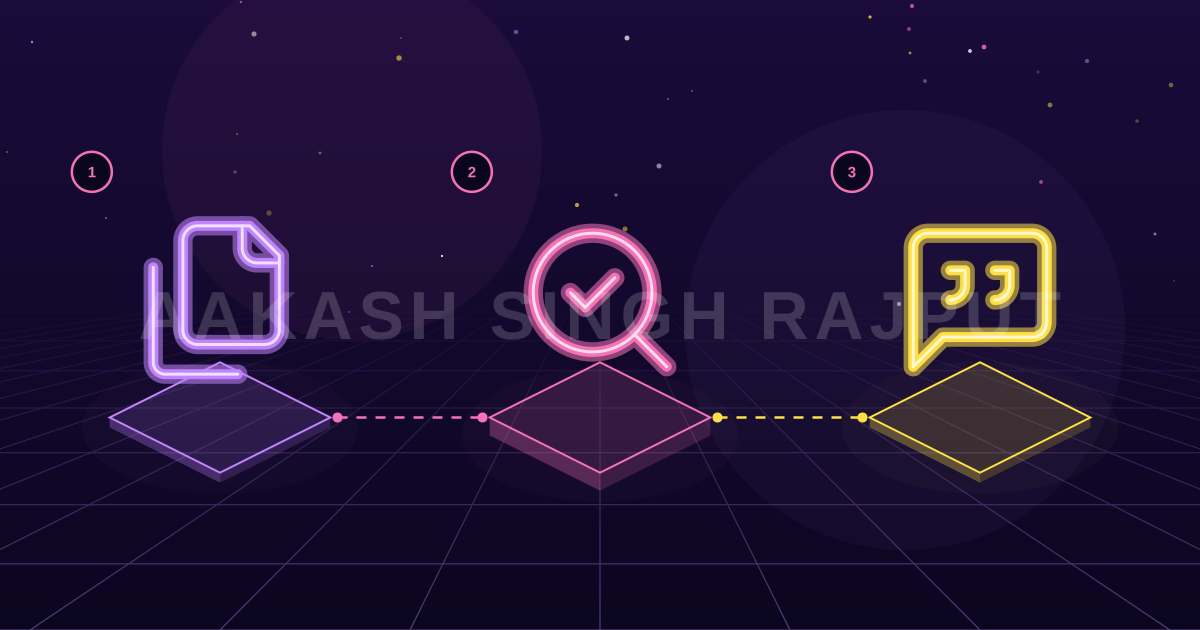
That is the whole idea. Retrieval finds the facts. Generation writes the answer.
A small RAG example in Python
This example uses no vector database, so you can see every step. It stores the chunks in a list and compares them with cosine similarity.
# pip install sentence-transformers numpy
import numpy as np
from sentence_transformers import SentenceTransformer

chunks = [
    "Refunds are accepted within 30 days of purchase.",
    "Support is open Monday to Friday, 9 am to 6 pm.",
    "Shipping to Europe takes 5 to 7 working days.",
]

model = SentenceTransformer("all-MiniLM-L6-v2")
chunk_vectors = model.encode(chunks, normalize_embeddings=True)

def retrieve(question: str, top_k: int = 2) -> list[str]:
    q = model.encode([question], normalize_embeddings=True)[0]
    scores = chunk_vectors @ q          # cosine similarity
    best = np.argsort(scores)[::-1][:top_k]
    return [chunks[i] for i in best]

question = "Can I get my money back after two weeks?"
context = "\n".join(retrieve(question))

prompt = f"""Answer the question using only the context below.
If the answer is not in the context, say "I don't know".

Context:
{context}

Question: {question}"""

print(prompt)  # send this prompt to any LLM
The question never uses the word "refund", but the search still finds the refund chunk. That is the benefit of searching by meaning and not by exact words.
To turn this into a full app, follow how to build a RAG chatbot in Python.
RAG vs fine-tuning
People often mix these up.
| RAG | Fine-tuning | |
|---|---|---|
| What changes | The prompt | The model itself |
| Best for | Facts that change, private documents | Style, format, special tasks |
| Update cost | Add a document to the database | Train again |
| Can show sources | Yes | No |
- What changes — RAG: The prompt; Fine-tuning: The model itself
- Best for — RAG: Facts that change, private documents; Fine-tuning: Style, format, special tasks
- Update cost — RAG: Add a document to the database; Fine-tuning: Train again
- Can show sources — RAG: Yes; Fine-tuning: No
Most teams should start with RAG. It is cheaper, faster to update, and you can show the user where the answer came from. There is a full comparison in fine-tuning vs RAG.
Common problems and how to fix them
- Wrong chunks are found. The answer can only be as good as the search. Improve how you split documents. See chunking strategies for RAG.
- The model ignores the context. Tell it clearly to use only the context and to say "I don't know" when the answer is missing.
- Answers are slow. Search fewer chunks, use a smaller model, or cache common questions.
- No way to know if it works. Collect 30 to 50 real questions with correct answers and test every change against them. See how to evaluate LLM apps.
When you should not use RAG
RAG is not always the right tool.
- If all your text fits in the prompt (for example, one short document), just paste it in. You do not need a search step.
- If you need the model to write in a special style or format, fine-tuning or better prompts help more.
- If the question needs math over many rows, use a database query, not text search.
FAQ
What does RAG stand for?
RAG stands for retrieval-augmented generation. "Retrieval" means searching for useful text. "Generation" means the model writes the answer using that text.
Is RAG better than fine-tuning?
For answering questions from documents, yes in most cases. RAG is cheaper, easier to update, and can show sources. Fine-tuning is better when you want to change how the model writes or behaves.
Do I need a vector database for RAG?
Not for small projects. A few thousand chunks can be searched in memory with NumPy. A vector database helps when you have many documents or need filters and fast updates.
Does RAG stop hallucinations?
It reduces them a lot, but it does not remove them. The model can still misread the context. Ask it to quote sources, and test with real questions.